

App · Android · Test version
LuckyDayApp
LuckyDayApp is a toolbox for game nights and your own worlds: eleven tools in one app to roll dice, draw lots, plan turn orders and organise your stories. Your content stays on your device.
 Family tree
 Timeline
 Token maker
 Tier lists
 Number generator
 Lucky wheel
 Calculator
 Mixer
Mixer Dice
Dice Coin toss
 Initiative
What to expect
Eleven tools
Family tree, timeline, token maker, tier lists, number generator, lucky wheel, calculator, mixer, dice, coin toss and initiative.
Your content stays with you
Profiles, family trees, timelines and pictures stay on your device. The internet connection is only used to look for updates and download them.
Dice looks with stars
Gold is available from the start; you unlock more dice looks with stars earned in the app. The dice probabilities always stay the same.
The eleven tools
Family tree
Build houses, characters, and their relationships.
Timeline
Tell the story of your world.
Token maker
Create your own character tokens and borders.
Tier lists
Rank pictures and ideas in your own lists.
Number generator
Draw numbers, flip coins, and use custom ranges.
Lucky wheel
Spin custom wheels with lists, weights, and skins.
Calculator
Calculate with keys, formulas, and dice rolls.
Mixer
Mix names, ideas, and orders.
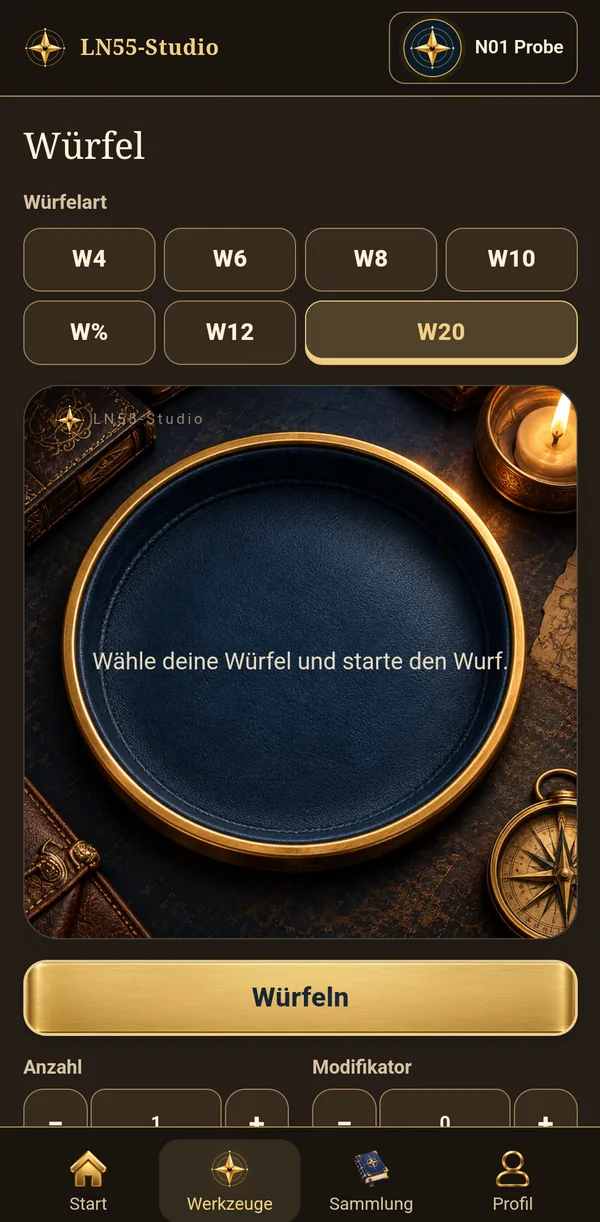
Dice
Roll combinations and save your presets.
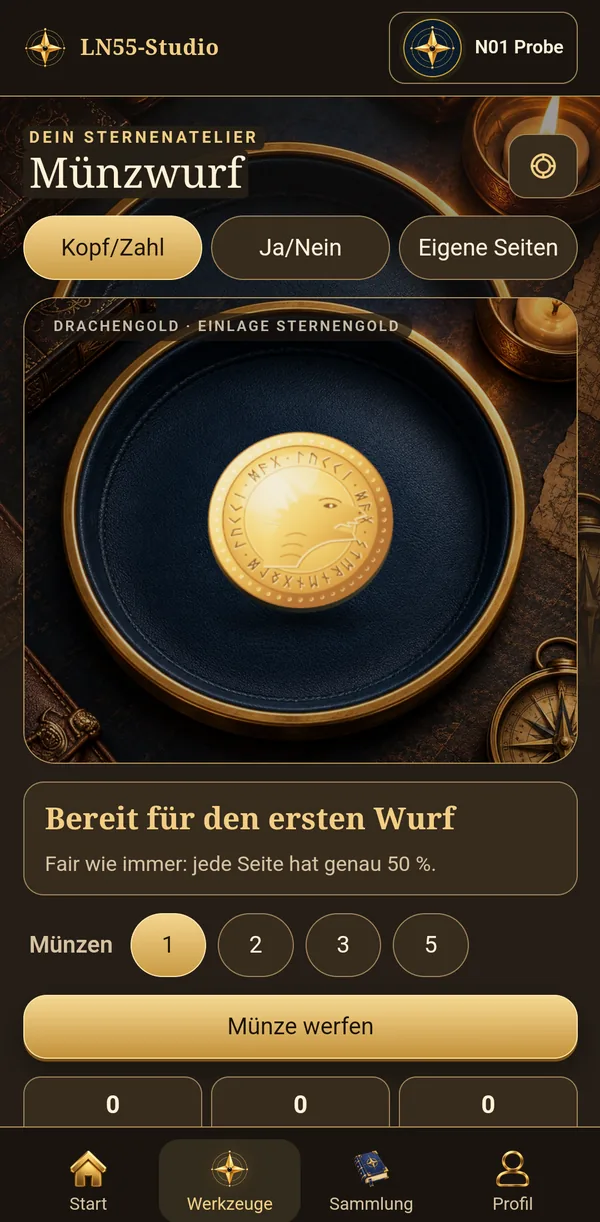
Coin toss
Toss fantasy coins with heads/tails, yes/no or your own sides.
Initiative
Organize encounters, rounds, and ties.
Icons and descriptions from LuckyDayApp
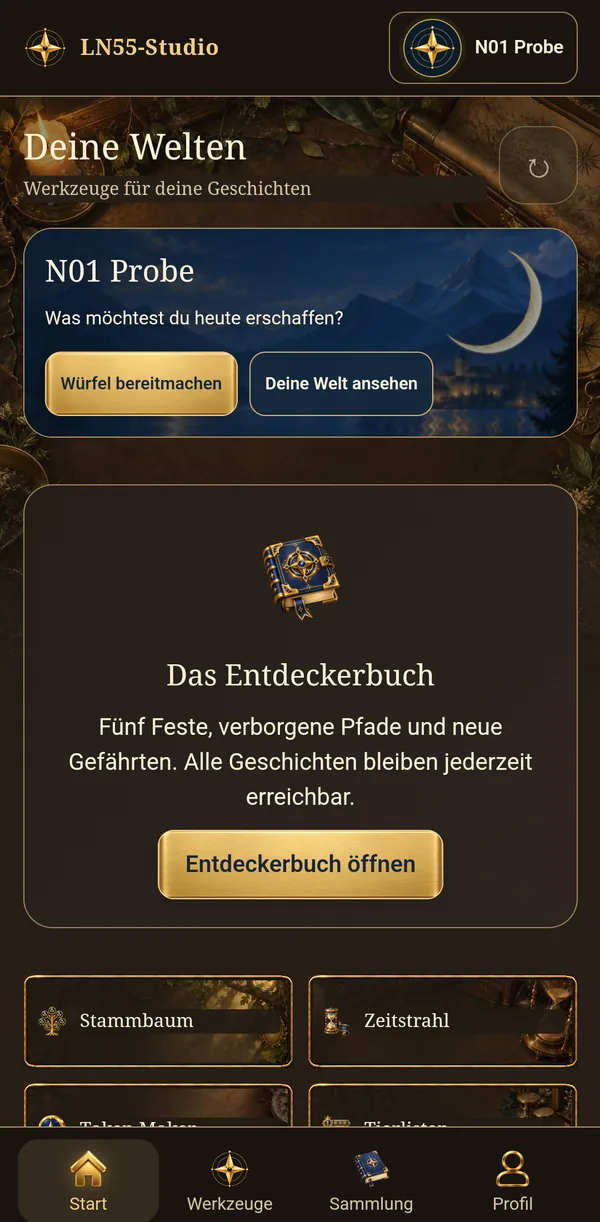
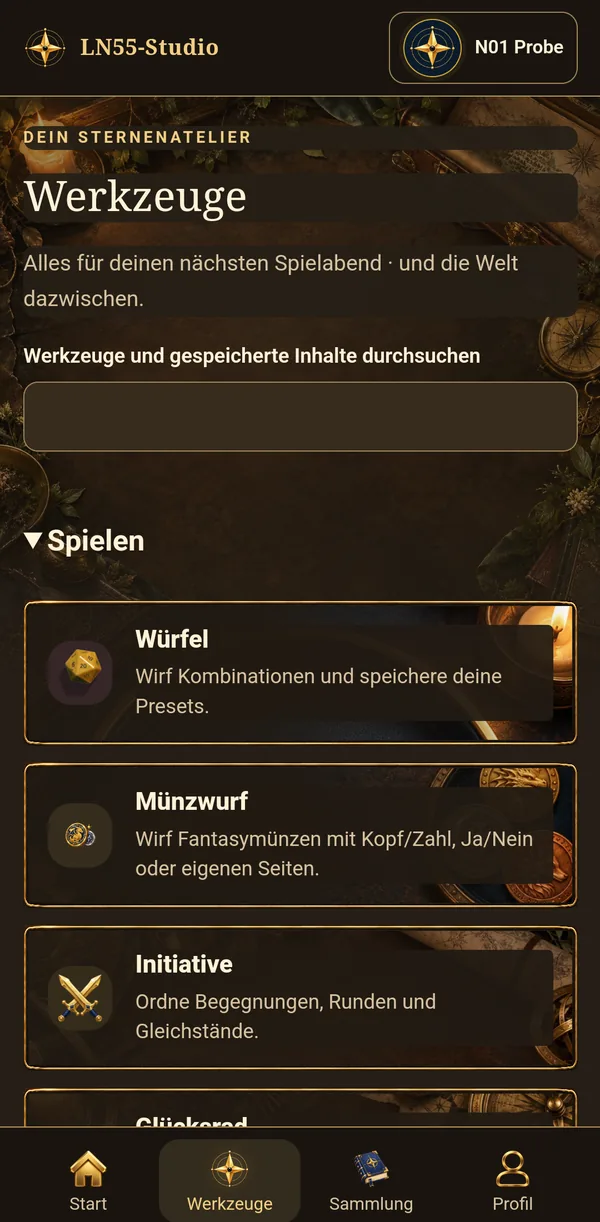
Pictures from the app
Privacy in the app
This is the privacy text of exactly the version offered for download here, so you can read it before installing.
Open the app's privacy text
Provider and data controller
LN55 Studio
Emanuele Giannone
c/o IP-Management #12178
Ludwig-Erhard-Str. 18
20459 Hamburg
Deutschland
E-Mail: contact@ln55-studio.com · Support: report@ln55-studio.com
Privacy information · 30 September 2026
Your content stays on your device
LuckyDayApp stores profiles, names, family trees, timeline entries, images and settings locally. There is no user account, cloud synchronisation, advertising or telemetry. LN55 Studio cannot access your local content. Storage is necessary for the app functions you choose (section 25(2)(2) TDDDG). You can delete content in the app or export it yourself. Android backups of the app are excluded.
Updates and downloads
Version checks and downloads connect to downloads.ln55-studio.com. From 0.1, after its first launch the normal tester version automatically checks for updates roughly hourly with an internet connection, even while the app is closed. Android may delay these checks. The server receives the IP address, request time, requested file or byte ranges and the technical identifier LuckyDayApp-Updater/1. Profiles and image content are not sent. System notifications require Android permission; denial and blocked channels are respected. Tapping a notification opens the update area. Downloads start only after you click; Android asks before installing. Processing supports secure delivery and protection against abuse under Article 6(1)(f) GDPR. Local tools remain available without internet access.
Profile pictures and unlocks
Your own profile pictures and cosmetic unlocks are stored in the respective local profile and included in existing profile backups. Your own images are not sent to an image-generation service. App-wide update notification storage contains only scheduling, previously notified versions, the Android permission-dialog marker and a private opening binding, with no profile content. There is no additional app switch for the default background check.
Adventure book and games
Festival chapters, your first choices, the name you gave your constellation, saved coin sets with their side names, your last coin setting, evidence of completed workshop tasks, resumable minigame states, wish items and find history also stay in the selected local profile. The app uses them for stories, resuming play and cosmetic unlocks. There is no online leaderboard or transfer of this progress to LN55 Studio. These data are included in your profile backups; deleting the profile or all app data removes them. You manage any exported backups yourself.
Contact and optional error reports
An error report is prepared locally. You choose the text and optional technical details and review them before handing the report to your email app. Only sending the message yourself submits it to report@ln55-studio.com. General enquiries go to contact@ln55-studio.com. Sender and reply addresses, optional names, the message, attached content and technical delivery details are processed to answer enquiries and investigate errors. The basis is Article 6(1)(f) GDPR; our interest is responding to your request and providing a reliable app. Please send only the information needed for that purpose.
Recipients and storage location
Downloads and LN55 Studio email accounts are hosted by netcup GmbH in Germany. Authorised operators and technical processors receive only the data needed to operate the service and handle enquiries. Your email app and storage or cloud providers you choose in a file dialog process data under their own terms, potentially involving other recipients or transfers to third countries. The app does not upload content to these providers itself.
Retention and deletion
The central system journal is limited to a maximum of seven days and 512 MiB in total; this is not a universal retention period for messages or backups. Contact and support messages are kept only for processing and necessary follow-up; they are then moved to the mailbox trash, which empties itself automatically 30 days later, unless a specific legal obligation or necessary legal claim requires retention. Backup copies serve recovery and are not actively reused. Completed deletions must be reapplied after recovery. A backup set is deleted automatically once two newer complete sets of the same area exist.
Your data protection rights
You may request access, correction, deletion and restriction from the controller above, and data portability where its conditions apply. You may object to processing under Article 6(1)(f) GDPR on grounds relating to your particular situation. You may complain to a data protection authority, particularly where you live or work or where the alleged infringement occurred. LN55 Studio cannot access purely local content; you manage it directly on your device. There are no automated decisions with legal or similarly significant effects.
Credits and licences
The app itself lists all fonts, graphics, sounds and libraries it uses together with their licences. The files of this website are listed under Licences & sources.
Download
- Version
- 0.5.1 (Build 37)
- Size
- 23.8 MB
- Released
- 30 September 2026
- Requirements
- Android 8.0 or newer
- Status
- Test version: may still contain bugs. The app itself offers new versions.
- SHA-256 checksum
44914488b50bb27a7b002ae5b6acb6d9f6211482b733a2958ed32f38f4b5a7e0The checksum lets you verify that the file arrived complete and unchanged.
Installing: download the APK file and open it. The first time, Android asks whether your browser or file manager may install apps (“Install unknown apps”). Only allow this for this installation.